One stop online portal for Delhi informatiom. Know what is happening around you. Read news analysis on Indian Politics, current affairs, travel, sports, and much more.
Because of Covid-19 outbreak the entire world is under a complete lockdown. Companies are asking the employees to work from home. Employees of most of the small and big organizations have adapted work from home.
The communication between the employees and the meetings are happening via various platforms. Consequently, the WFH has led to a boost in the downloads of video conferencing apps across the globe. Employers, Managers, and employees can use the Video Conferencing app to meet with others virtually.
They stay in touch with each other, and employers can pass on the information to the employees via Video conferencing.
One of the most popular apps for such meetings is Skype. It is used worldwide by the companies and employees for conducting meetings from remote locations.
However, there is another app named Zoom, which is gaining popularity among the professionals who are working from home.
Zoom app is easy to use, just like other video calling apps, including Skype, Google Duo, and FaceTime. The app not only works on Android, iOS, Windows, and Mac platforms, but it is also compatible with the web browsers. Millions of people working from home are relying on Zoom to connect with co-workers, customers, and partners.
The demand for Zoom app has increased multifold, but Zoom has also become a target for wrongdoers and potential hackers
Zoom app is vulnerable to cyber attacks
According to the security researchers, there are some underlying vulnerabilities in the Zoom app. In a recent report, two security researchers have claimed that they have found a security loophole in the Zoom app. It is of great concern as it can give attackers access to Windows passwords.
In addition to that, the flaws in the app can be used to gain access to a user's Mac and tap into its webcam and microphone, claimed another researcher.
The attacker can gain access to the computer once exploited and install malware or spyware, without letting users know about the backdoor entry. The issue that allows unwanted access is due to the installer that can quickly be injected with malicious code and used to obtain root-level user privileges.
Patrick Wardle, a former NSA hacker who works with Jamf, an Apple enterprise management software firm, revealed the bugs on his blog, first reported by TechCrunch.
Therefore Zoom app has raised many concerns among the employers and employees who are working from home. No company would like their sensitive information to be compromised.
Computer Emergency Response Team of India (CERT-In) has also warned the Zoom users in India. It said that unguarded usage of the app could be vulnerable to cyber attacks, including leakage of sensitive office information to cybercriminals.
"At Zoom, ensuring the privacy and security of our users and their data is paramount. We are aware of the UNC issue and are working to address it." – Zoom Representative
Tips to Reduce Risks on Zoom meetings
The meeting manager can make the participants to use a password. The manager can also make the participants first appear in the waiting room and then admit them individually. Avoid making the meeting public.
Once everybody has joined the meeting, the host can lock the door and close the entry to newcomers. It can be done by clicking the Participants tab at the bottom of the Zoom window, and then choosing the Lock option.
Avoid sharing the links to your meeting on social media. The best way is to email or text them directly to participants.
Limited access to screen sharing will also prevent you from the risk of losing your data to hackers.
The host also has the option to disable the ability to text chat during the session to prevent the delivery of unwanted messages.
Make sure that all the participants have the latest version of Zoom's software
Best ZOOM Alternatives
The entire world is under lockdown to prevent the further spread of the deadly Coronavirus. Employees from small and big organizations are mostly working from home during the pandemic and managing the company affairs through video conferencing apps and platforms.
Consequently, the WFH has led to a boost in the downloads of video conferencing applications across the globe. These apps are used by employers and employees to communicate and coordinate their work.
Work from home has made the Zoom app very popular among the employees and professionals. And as a result, the demand for the Zoom app has increased multifold. Millions of people working from home have started relying on Zoom to connect with their co-workers, customers, and partners.
However, from the past few weeks, we have seen that Zoom has become a target for wrongdoers and potential hackers. According to the security researchers, there are some underlying vulnerabilities in the Zoom app. In a recent report, two security researchers have claimed that they have found a security loophole in the Zoom app. It is of great concern as it can give attackers access to Windows passwords.
The Zoom founders have apologized and are assuring the users that they are fixing all the issues related to security breaches. But even after taking many measures, Zoom is under fire and has lost the trust of many professionals. People are now looking for some better options that won't sacrifice data and privacy.
There are other alternative video conferencing apps with a good reputation and which are have been around for longer.
Six Video Conferencing Apps that You Can Try Out:
MICROSOFT TEAMS
Microsoft Teams is a video calling and communication platform that offers workplace chat, video meetings, file storage (including collaboration on files), and application integration. The services can also be integrated with non-Microsoft products. Your privacy and data security cannot be compromised with Microsoft Teams as it comes with features such as 256-bit AES encryption, two-factor authentication (2FA) and a general more secure VoIP environment
Microsoft recently launched this service. The free to use App, Skype Meet Now is easy to use and does not even require registration or sign up. Therefore it is hassle-free, and you can quickly join the meetings. In addition to that, Skype Meet Now allows you to invite not only your Skype contacts but also your friends or family who are not on Skype.
Although Google Hangout Meet does not offer end to end encryption, it is still safe in terms of data protection and privacy.
Google Hangouts Meet is a software developed by Google. It is a paid video conferencing software, but you do have the option to take a 14-day free trial. It supports far more participants than video chat service provided in the consumer Hangouts.
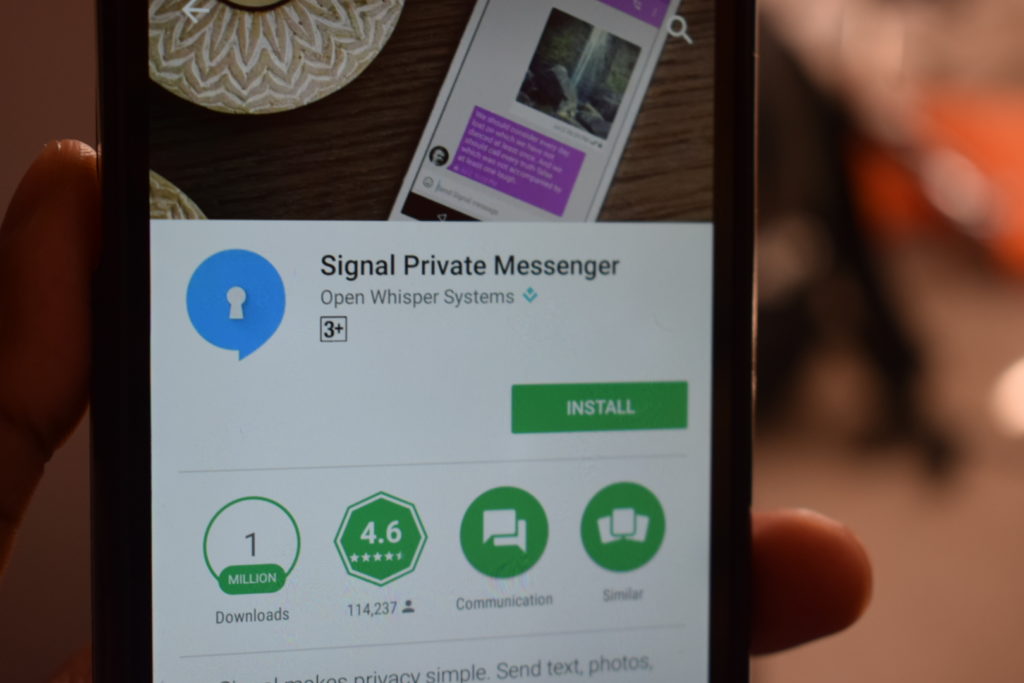
Signal is a yet another videoconferencing platform which is developed by the Signal Foundation and Signal Messenger LLC. It comes with the best encryption standards, and hence the communication and data are secured. Apart from video calling, you can also use Signal to send one-to-one and group messages without any fear of security breach
So many safety features make Signal one of the safest video conferencing platforms, and you can trust Signal for all kinds of communication.
GoToMeeting is a web-hosted service created and marketed by LogMeIn. You can instantly join, host, or manage a video, audio, or web meeting from a conference room, your desk, or a remote location via your Mac, PC, or mobile device. Download Here
CISCO WEBEX
Cisco's WebEx offers online video conferencing and meetings service to the professionals. Their main features include integrated voice, video and content sharing, recording (10GB)
The application is easy to use, and with just one-click, you can connect with up to 1000 participants as video or audio call
The remote work is the need of the hour for modern organizations in this COVID-19 crisis. Work from Home has some unique challenges for information security because, in this environment, the companies are unable to provide the same safeguards as in the office.
The professionals are communicating with each other with various video conferencing platforms, and there is a fear of data safety. The Zoom is facing multiple security and privacy issues.
The employees and employers need to be extra careful while using the platforms and need to avoid sharing confidential information via these platforms. Always choose a platform which has end to end encryption of your data.
The Brand Global team had reported earlier that the bug in popular Zoom app has made it vulnerable, and it has become a target for potential hackers. The security loopholes in Zoom can give attackers access to windows password. Amid COVID-19, everyone is working from home and relying on the video conferencing apps for communication.
Zoom is one of the popular platforms for meetings. Our team has also suggested some of the best Zoom alternatives that maintain your data privacy.
And now the Ministry of Home Affairs has also issued an advisory that Zoom is a not a safe platform for video conferencing. The MHA had issued this advisory on April 12, but shared with the media on April 16.
Many government agencies were also using Zoom, but now they have stopped using this platform. However, there is an advisory from MHA on the secure use of Zoom platform by private individuals if they still want to use it
Private individuals and organizations that are still using Zoom and would like to continue may follow the MHA guidelines.
Guidelines for the safety of private users
Never allow an unauthorized entry in the conference room
The meeting manager can make the participants to use a password. The manager can also make the participants first appear in the waiting room and then admit them individually. Avoid making the meeting public.
Once everybody has joined the meeting, the host can lock the door and close the entry to newcomers. It can be done by clicking the Participants tab at the bottom of the Zoom window, and then choosing the Lock option.
Avoid sharing the links to your meeting on social media. The best way is to email or text them directly to participants.
Limited access to screen sharing will also prevent you from the risk of losing your data to hackers.
The host also has the option to disable the ability to text chat during the session to prevent the delivery of unwanted messages.
The host or administrator must end the meeting and not just leave.
Ensure that all the participants have the latest version of Zoom.
“Most of the settings can be done by login into users zoom account at website, or installed application at PC/Laptop/Phone and also during conduct of conference. However certain settings are possible through certain mode/channel only”. The guidelines from MHA read